

Finding the right campus wayfinding software is harder than it looks.
Universities and colleges are among the most navigationally complex environments in the built world—a mix of historic buildings, modern additions, underground tunnels, multi-level parking structures, and outdoor pathways that shift with every semester's construction project.
Add in the diversity of people navigating those spaces, from students, faculty and staff to prospective families and conference guests, and the requirements stack up fast.
On a campus, that translates directly into lost prospective students during open house tours, frustrated families at convocation, and staff wasting time directing people to buildings that should be findable on their own.
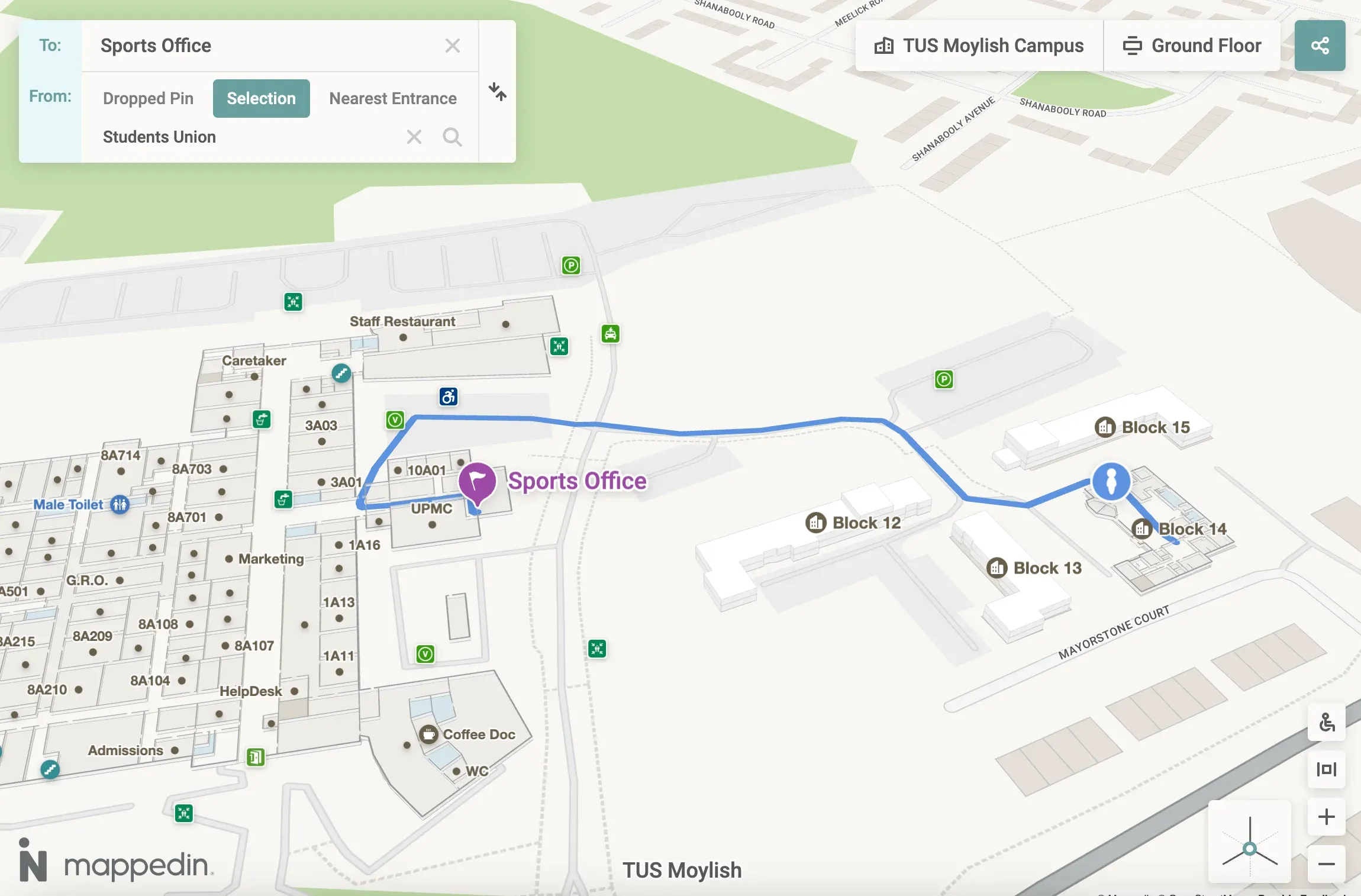
Here's what University Marketing and Student Experience leaders should be looking for when evaluating campus wayfinding software in 2026.
1. Easy, fast map creation and maintenance. Campus maps go out of date every day due to changes like room renumbering, department relocations, and construction detours. Software that requires manual GIS work or vendor tickets every time something changes is a liability. The best platforms let your team publish updates in minutes, not weeks.
2. Positioning that works without hardware investment. Beacon-based indoor positioning sounds appealing until you scope the installation cost across hundreds of buildings and thousands of rooms. Beacon-free approaches eliminate that infrastructure dependency entirely, using existing Wi-Fi, GPS, and sensor fusion to deliver reliable indoor positioning at scale.
3. Accessibility compliance, not just accessibility claims. Campus environments serve students with mobility impairments, visual impairments, and a wide range of other needs. WCAG 2.1 AA compliance, step-free routing, screen reader support, and multilingual capability are institutional obligations and increasingly legal requirements.
4. A platform that serves both the visitor experience and campus operations. The best solutions don't just create visitor-facing maps. They make the same spatial data available to Facilities, Security, Emergency Management, and IT, giving every team a shared, accurate picture of the campus without maintaining duplicate systems.
Ready to see how Mappedin works on a university campus? Let's chat →
Mappedin
Mappedin is a digital wayfinding and indoor mapping platform purpose-built for complex, multi-building venues. Mappedin serves dozens of colleges and universities, and the platform's architecture reflects that—built to handle large property footprints, frequent map changes, and the operational demands of a major institution.
AI-powered map creation
Mappedin uses AI-assisted map creation to dramatically accelerate how quickly a campus can go live and, more importantly, stay current. Rather than requiring GIS specialists or vendor-managed updates, the platform allows your team to ingest existing floor plans and building data, then publish and maintain maps through a no-code CMS.
When a department moves across campus or a building opens a new entrance, your team makes the change and publishes.
This ease of use matters especially for campuses with large footprints and distributed Facilities teams. The speed advantage compounds over time: institutions can keep their wayfinding data accurate across hundreds of buildings without adding headcount or depending on vendor response times.
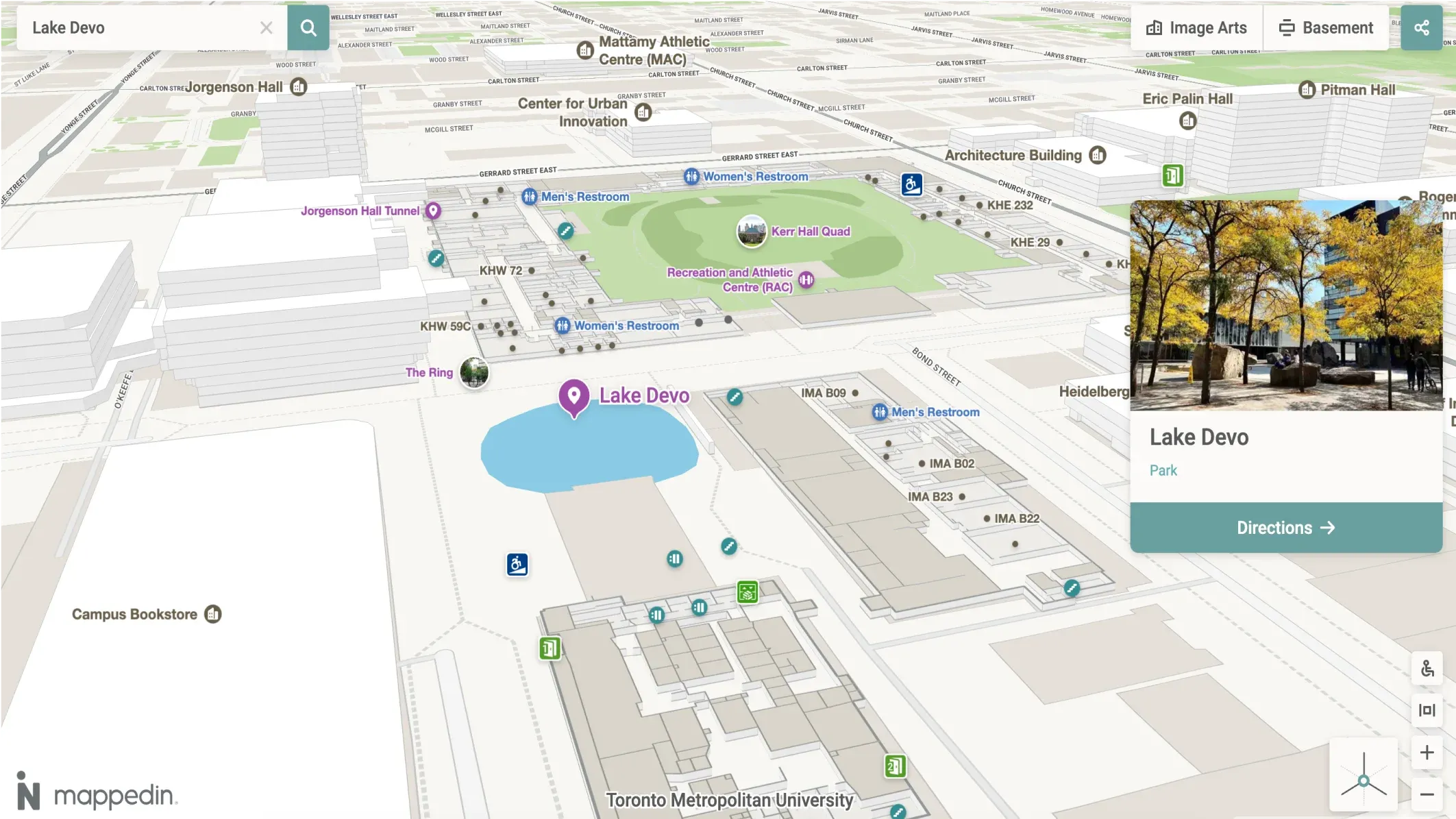
Beacon-free indoor positioning
Mappedin delivers indoor positioning without requiring any beacon or sensor hardware installation. The system uses a fusion of available signals to deliver reliable "blue dot" positioning throughout a campus environment.
For a Student Experience leader evaluating total cost of ownership, this is one of the most significant differentiators in the category. Beacon-based alternatives require hardware procurement, installation across every floor of every building, ongoing battery replacement, and recalibration whenever layouts change. Mappedin eliminates that entire cost, making enterprise-scale indoor positioning viable without a capital project.
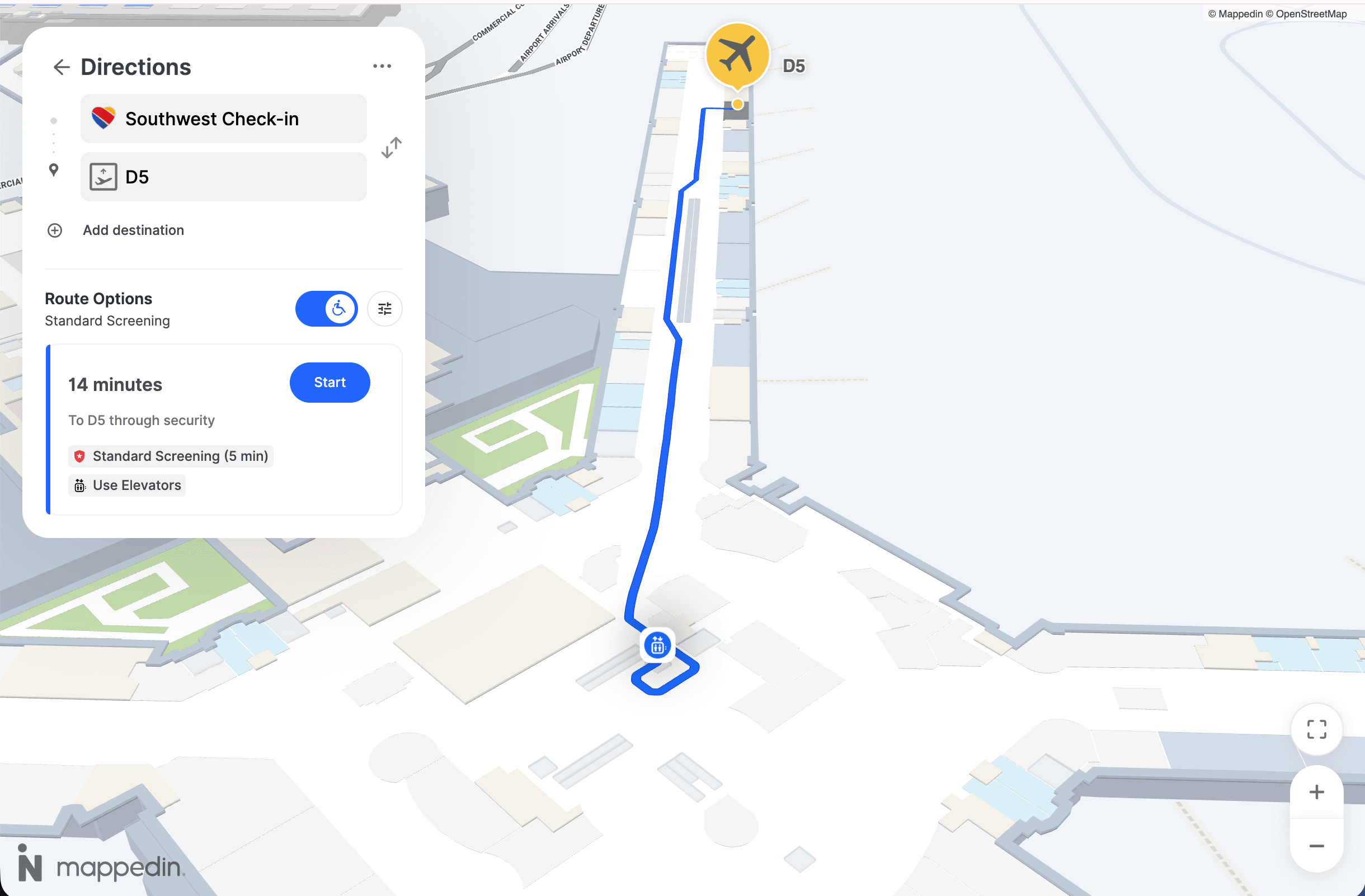
WCAG 2.1 AA Accessibility Compliance
Mappedin is one of the few indoor mapping platforms with verified WCAG 2.1 AA compliance. The platform includes step-free routing that automatically excludes stairs and escalators for users who need it, screen reader support, and interface elements built to accessibility standards. It also supports 40+ languages—directly relevant for universities with significant international student and staff populations.
For a university, inclusive wayfinding is a genuine institutional commitment, and increasingly, it's a legal standard. Mappedin's accessibility infrastructure means your campus deployment meets those obligations out of the box, rather than requiring custom development to reach compliance.
Dual-purpose platform for marketing and operations
Mappedin's map data doesn't just power visitor-facing kiosks and web maps. The same spatial layer can serve:
- Facilities Management (room and asset location)
- (emergency response routing and personnel dispatch)
- Campus Operations (real-time space availability and utilization)
All teams work from the same verified floor plan data, updated in one place and consumed everywhere.
This dual-purpose architecture is a meaningful efficiency gain for institutions managing sprawling, multi-use properties. Rather than maintaining separate mapping systems for the registrar's web portal, the Facilities work order system, and the campus safety app, Mappedin provides a single source of spatial truth that each team accesses through its own interface.

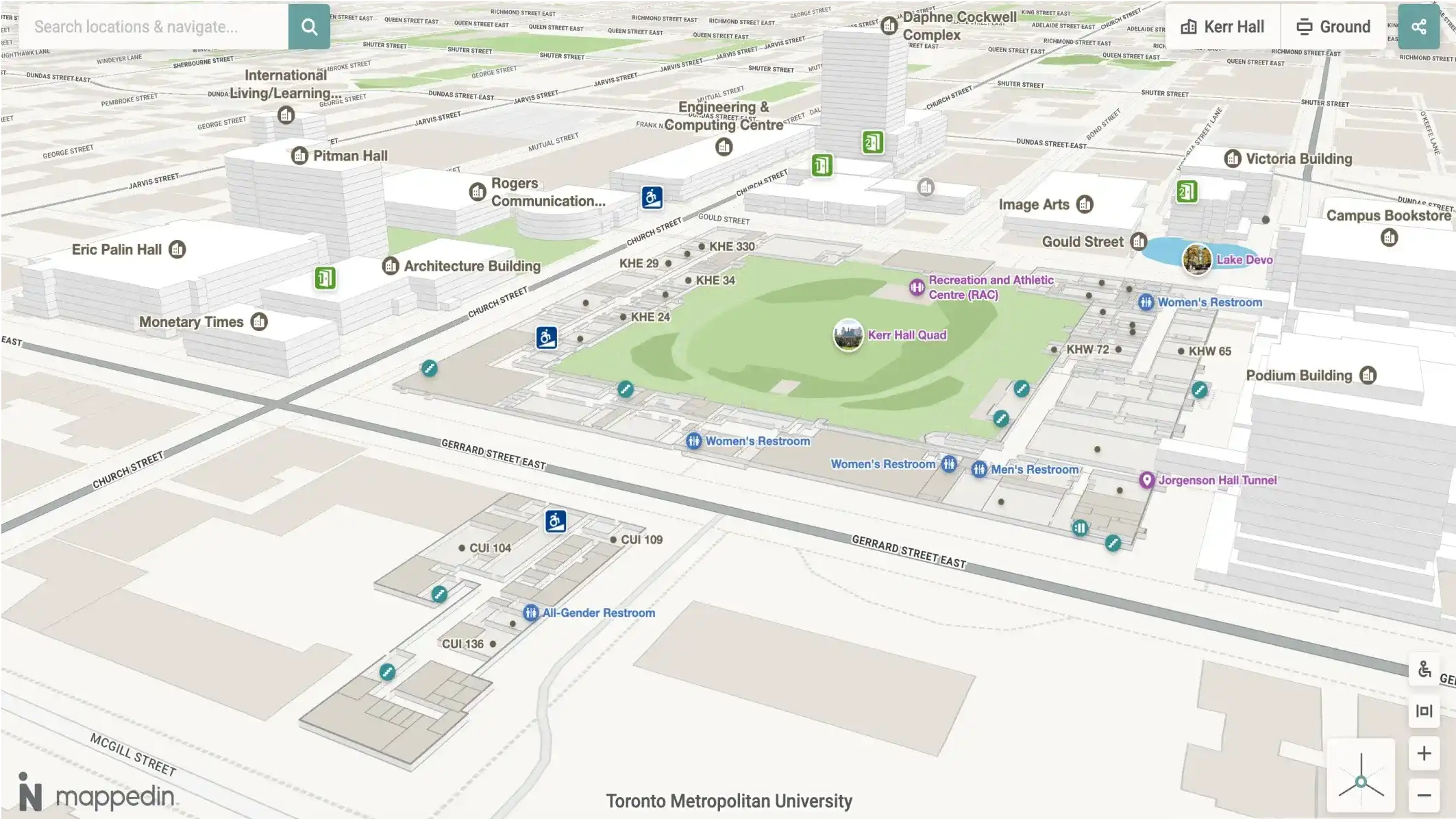
Create better visitor experiences with Mappedin
Trusted by higher ed institutions like Bowie State University and Mohawk College, Mappedin powers billions of square feet of indoor and mixed-use space. Help students, faculty, staff and visitors get where they need to go on time and safely with Mappedin.
Other campus wayfinding software worth considering
MazeMap
MazeMap is an indoor mapping platform with a strong focus on higher education. It has a large higher ed customer base across European countries and has expanded into North American campuses.
MazeMap is well-regarded for its clean web-based map interface and its integrations with university systems like room booking and timetabling software.
It's a credible option for institutions that want an education-native solution with deep academic scheduling integration.
Key features:
- Web-based interactive campus maps with building and room search
- Room booking and timetable integrations
- Indoor positioning with beacon support
- API access for integration with university portals and apps
Concept3D
Concept3D is a campus mapping platform focused on 3D and virtual tours, with a significant presence among North American universities. It offers 3D campus maps that integrate with enrollment and visitor experience portals. Concept3D is a solid fit for institutions that prioritize the admissions and campus visit experience.
Key features:
- 3D interactive campus maps with photorealistic rendering
- Virtual tour functionality integrated with maps
- Embeddable map widgets for admissions and website use cases
- Points of interest and content management for visitor-facing maps
MapsIndoors (MapsPeople)
MapsIndoors is an indoor mapping platform that supports university deployments through its SDK and API. It offers multi-building campus mapping with customizable routing and is designed to be embedded in existing university apps or portals.
MapsIndoors is a good choice for institutions with a technical team that wants to build a bespoke campus navigation experience on top of a robust data platform.
Key features:
- Flexible SDK for embedding maps in custom apps and portals
- Multi-building routing with live data integration
- Supports multiple positioning providers for indoor location
- Enterprise data management for large, complex venue footprints
Compare MapsPeople vs. Mappedin →
Pointr
Pointr is an indoor positioning platform with strengths in navigation technology and spatial analytics. Originally built around precise indoor location tracking, Pointr has expanded into wayfinding and spatial analytics. It's mostly used in enterprise environments including airports, healthcare, and large campuses.
Pointr is worth evaluating for institutions that need detailed foot traffic analytics alongside wayfinding and are willing to pay a premium for hardware-based positioning.
Key features:
- Accurate indoor positioning using beacon technology
- Wayfinding with turn-by-turn navigation
- Space utilization analytics and foot traffic reporting
- SDK-based integration with existing mobile apps
Frequently asked questions
What is campus wayfinding software?
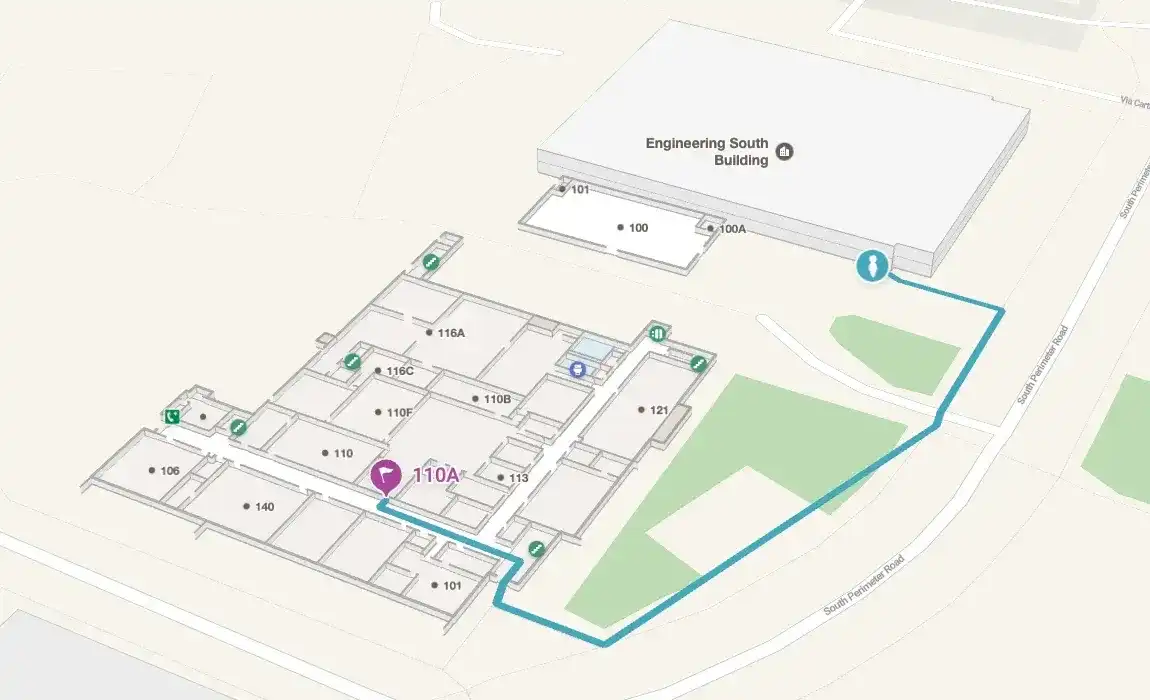
Campus wayfinding software provides interactive digital maps that help students, staff, visitors, and guests navigate university and college environments including buildings, rooms, parking, outdoor pathways, and transit connections. Modern platforms include indoor positioning (blue dot navigation), accessibility routing, and CMS tools that let campus teams keep maps current.
What's the difference between campus wayfinding software and a static campus map?
A static campus map is a snapshot. Typically a PDF or image that goes stale as soon as buildings change. Campus wayfinding software is a live system: it can be updated in real time, delivers turn-by-turn navigation, supports indoor positioning, and adapts routing based on user needs (such as step-free paths for wheelchair users). It can also be embedded in university websites, kiosk displays, and mobile apps.
Do campus wayfinding systems require beacon hardware?
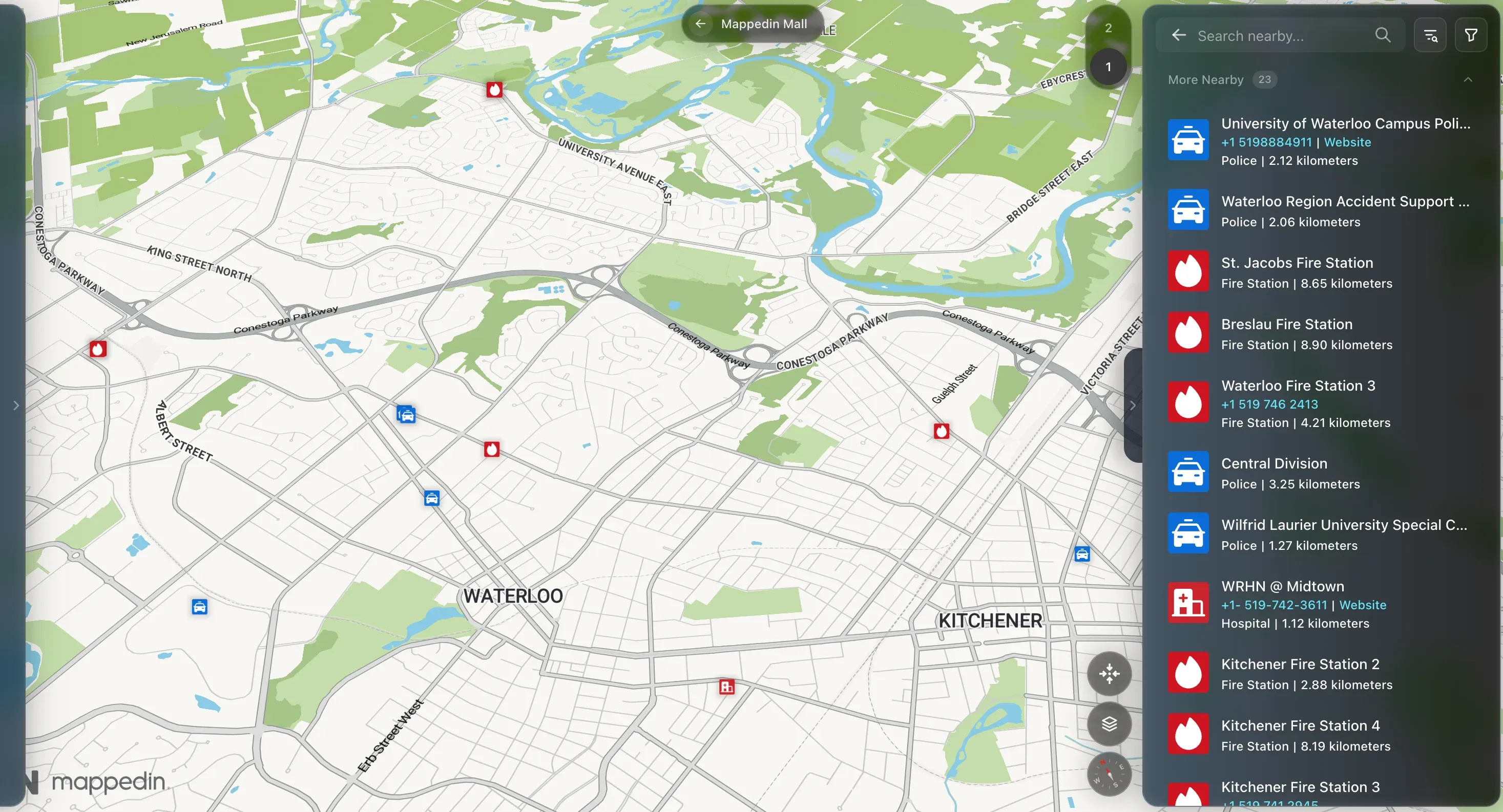
Not always. Older indoor positioning systems relied on Bluetooth beacons installed throughout buildings, which adds significant hardware cost and maintenance. Modern platforms like Mappedin use beacon-free positioning that combines Wi-Fi signals, GPS at building entrances, and sensor fusion, delivering reliable indoor location without hardware installation.
How important is WCAG compliance for campus wayfinding?
Very important. Universities are legally obligated to provide accessible experiences under the ADA and equivalent international legislation. WCAG 2.1 AA compliance for digital interfaces including wayfinding maps ensures that users with visual impairments, mobility limitations, or other needs can navigate campus effectively. Step-free routing and screen reader support are baseline requirements for most university deployments.
How long does it take to deploy campus wayfinding software?
It depends on the size of the campus and the quality of existing floor plan data. Platforms with AI-assisted map creation can dramatically compress the timeline, going from raw floor plans to a live interactive map in days rather than months. The ongoing maintenance burden also varies: platforms with no-code CMS tools allow campus staff to manage updates without vendor involvement.
Can campus wayfinding software serve both visitors and internal operations teams?
The best platforms can. A dual-purpose architecture allows the same map data that powers visitor-facing kiosks and web maps to also serve Facilities Management, Campus Security, and Emergency Response teams. This eliminates the need to maintain separate mapping systems for different departments, reducing data inconsistency and IT overhead.
What should I ask vendors when evaluating campus wayfinding software?
Ask specifically: Is your indoor positioning beacon-free? What does WCAG compliance actually cover in your product (full AA or partial)? How does a non-technical staff member update the map when a room changes? Can the same spatial data serve both our public-facing map and our Facilities/Security teams? What is the total cost of ownership including hardware, implementation, and annual licensing?
Getting started with campus wayfinding software
Choosing the right campus wayfinding software is a decision that touches student experience, institutional accessibility compliance, IT infrastructure, and operations... all at once.
A solution that excels only at front-of-house visitor maps but can't support Facilities or Security creates redundant systems and stale data. Similarly, a solution that requires hardware investment in every building adds a capital cost that can make the project unviable at scale.
For campuses that need fast deployment, beacon-free positioning, verified accessibility compliance, and a single spatial data layer that serves both visitors and operations teams, Mappedin is the strongest all-around option in the category.

Share