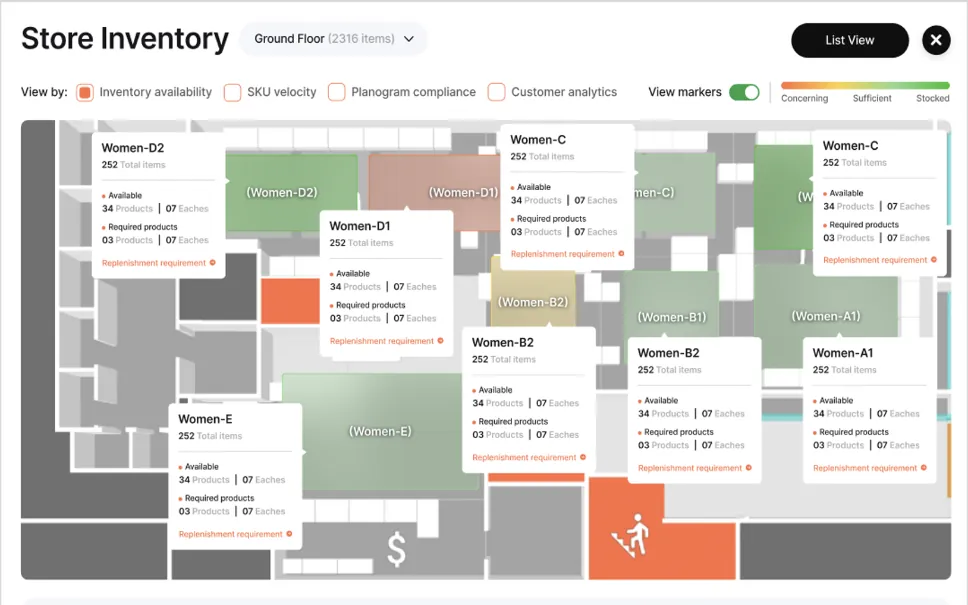
Build efficiently, not from scratch
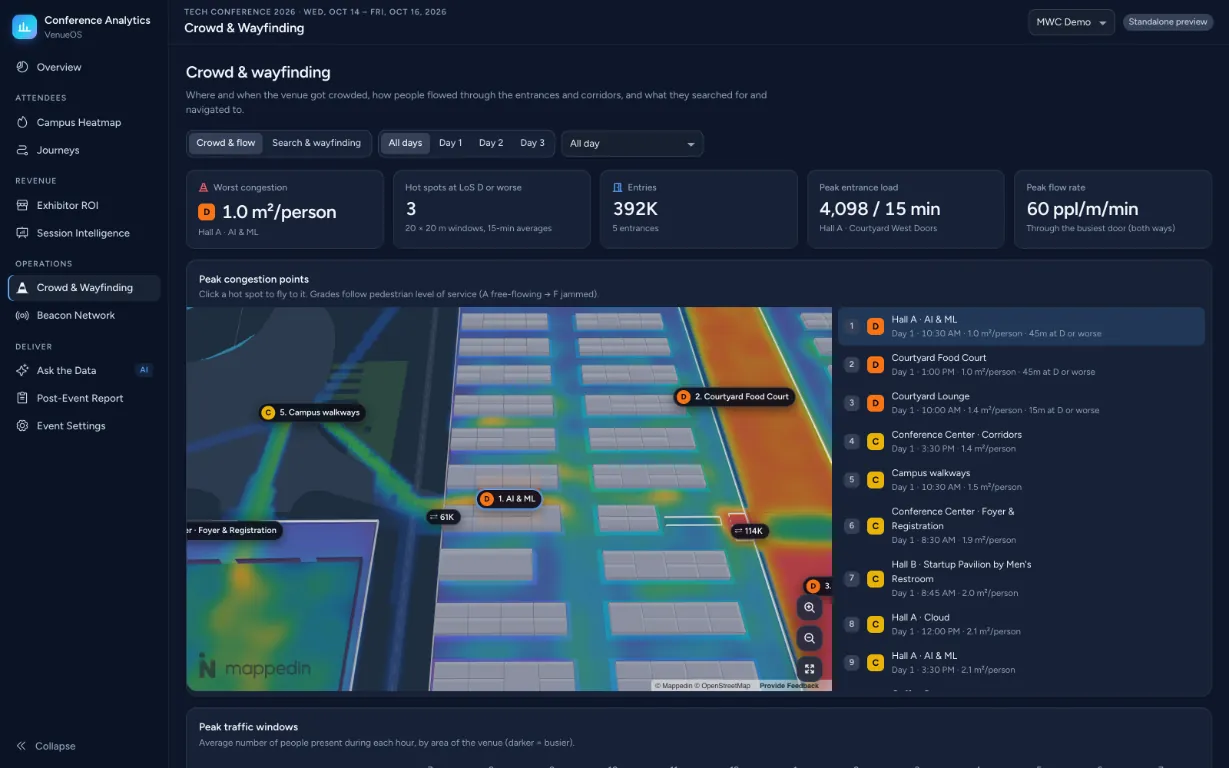
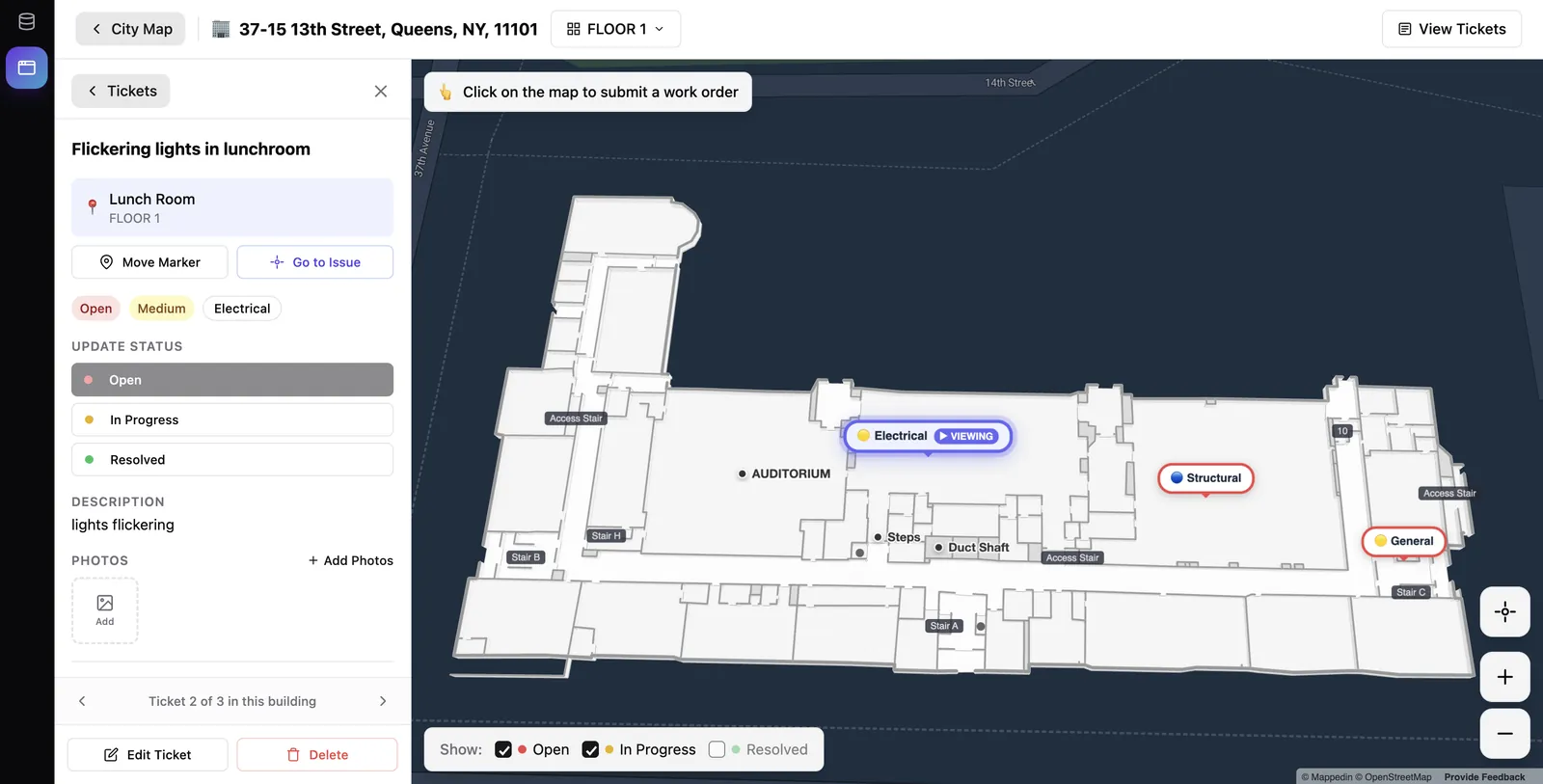
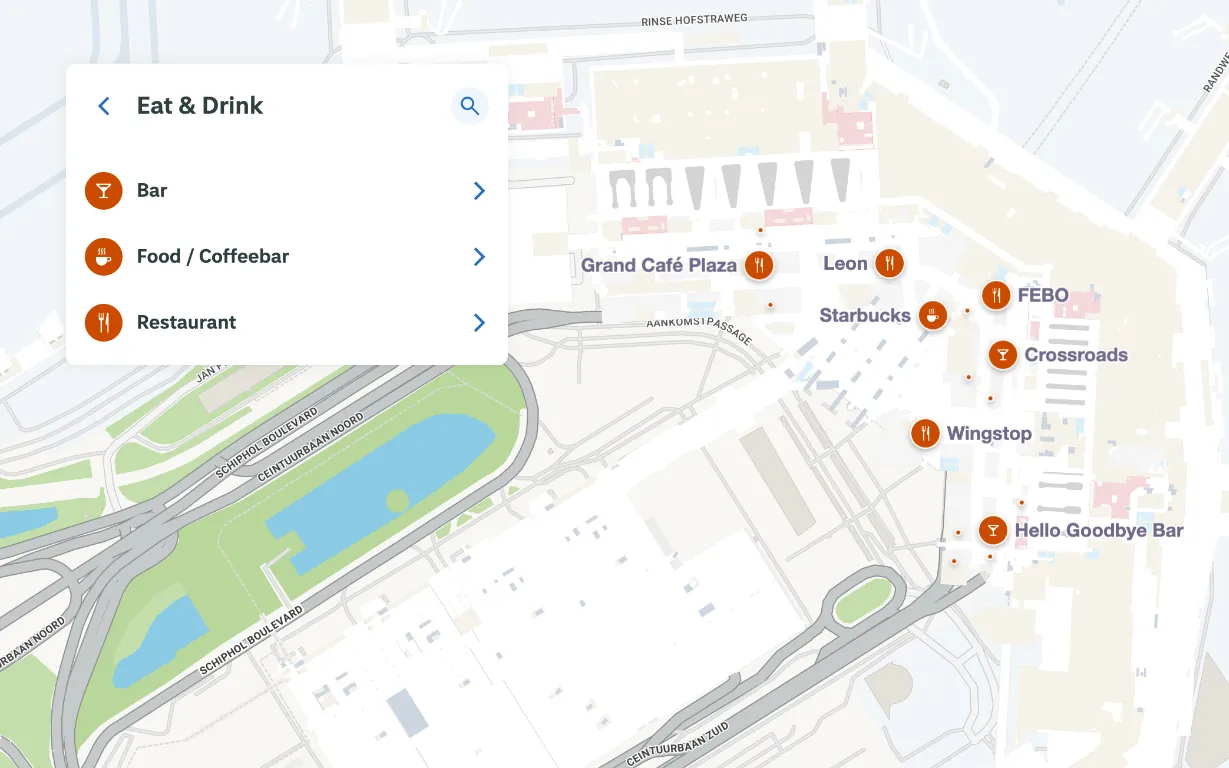
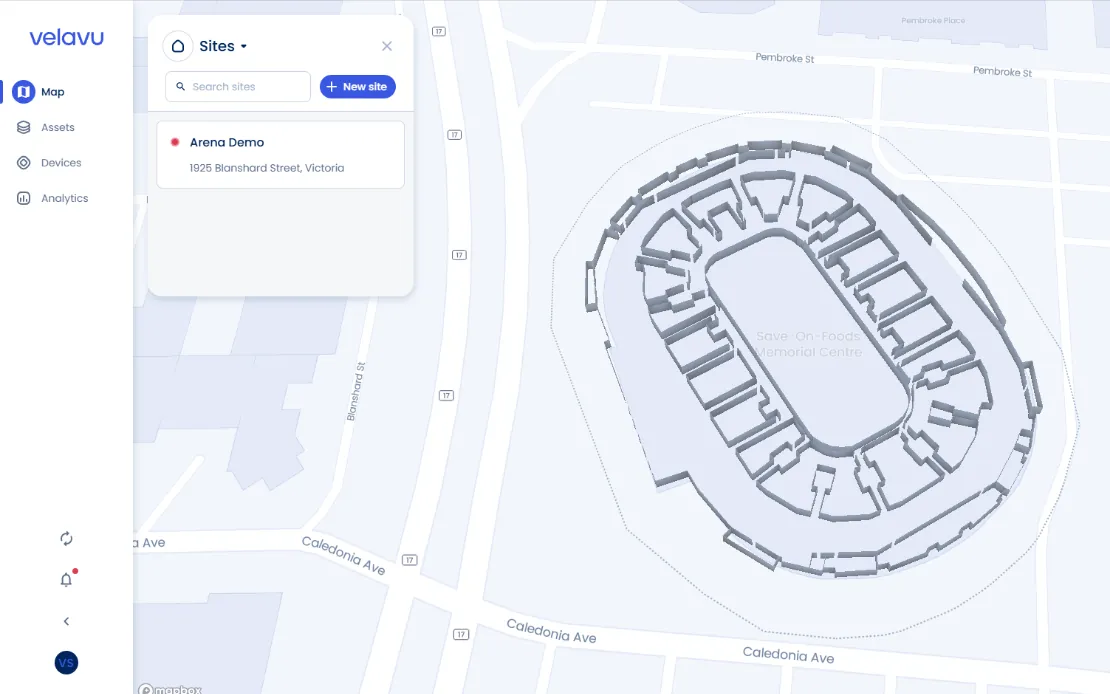
Bring your own UI, data and logic in the languages you use. The SDK gives you the map as building blocks.
Skip the basemaps and layers. Build any map experience with our SDKs and APIs, in the languages you love.
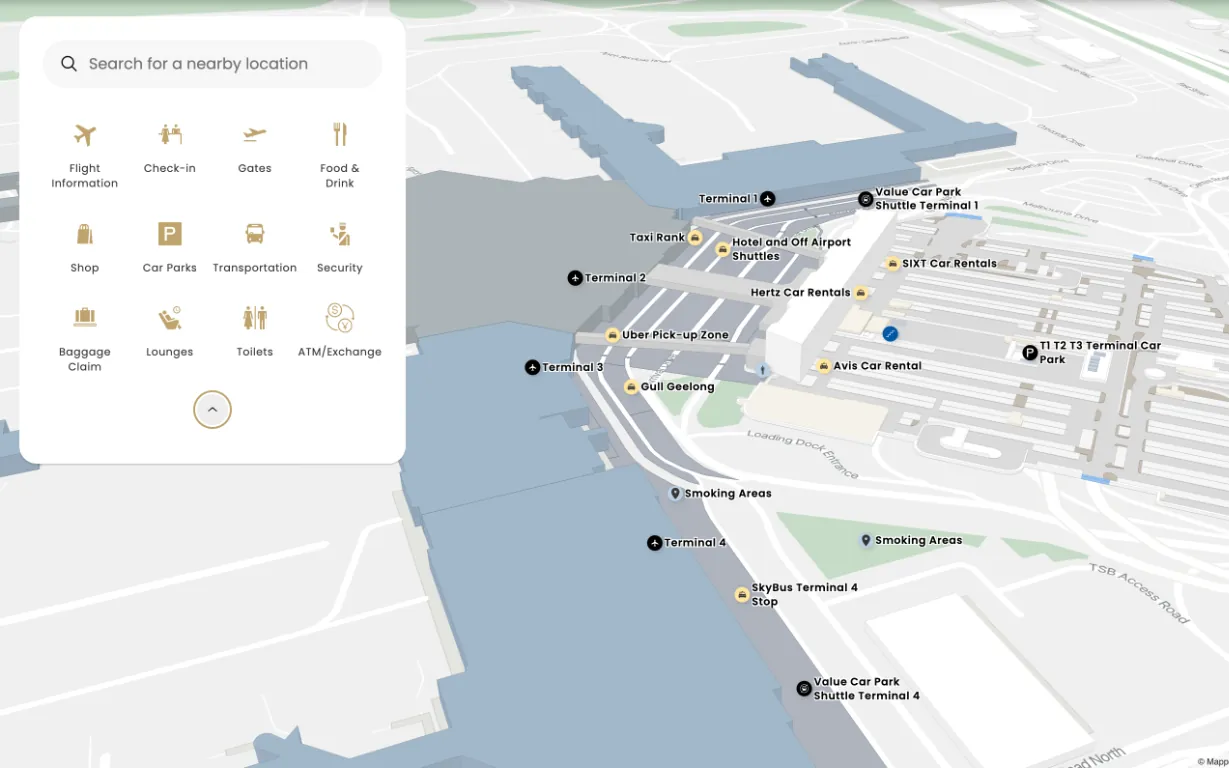
Indoor mapping from scratch means floor geometry, multi-level routing, positioning, rendering and edge cases you only find in production. Mappedin handles that layer.
Bring your own UI, data and logic in the languages you use. The SDK gives you the map as building blocks.
Fast, fluid performance on every platform, so maps feel instant, not like a loading screen.
Visualize virtually anything with the same map engine that powers our wayfinding products, tuned to fit your application.
Add indoor mapping to your web applications, native mobile apps and digital out-of-home (DOOH) displays, with SDKs for the web, iOS, Android and React Native.
import {
  getMapData,
  show3dMap,
} from '@mappedin/mappedin-js';

const mapData = await getMapData({
  key: 'YOUR_KEY',
  secret: 'YOUR_SECRET',
  mapId: 'YOUR_MAP_ID',
});

const mapView = await show3dMap(
  document.getElementById('map'),
  mapData,
);Use the Mappedin SDK as infrastructure for anything that needs a floor plan.
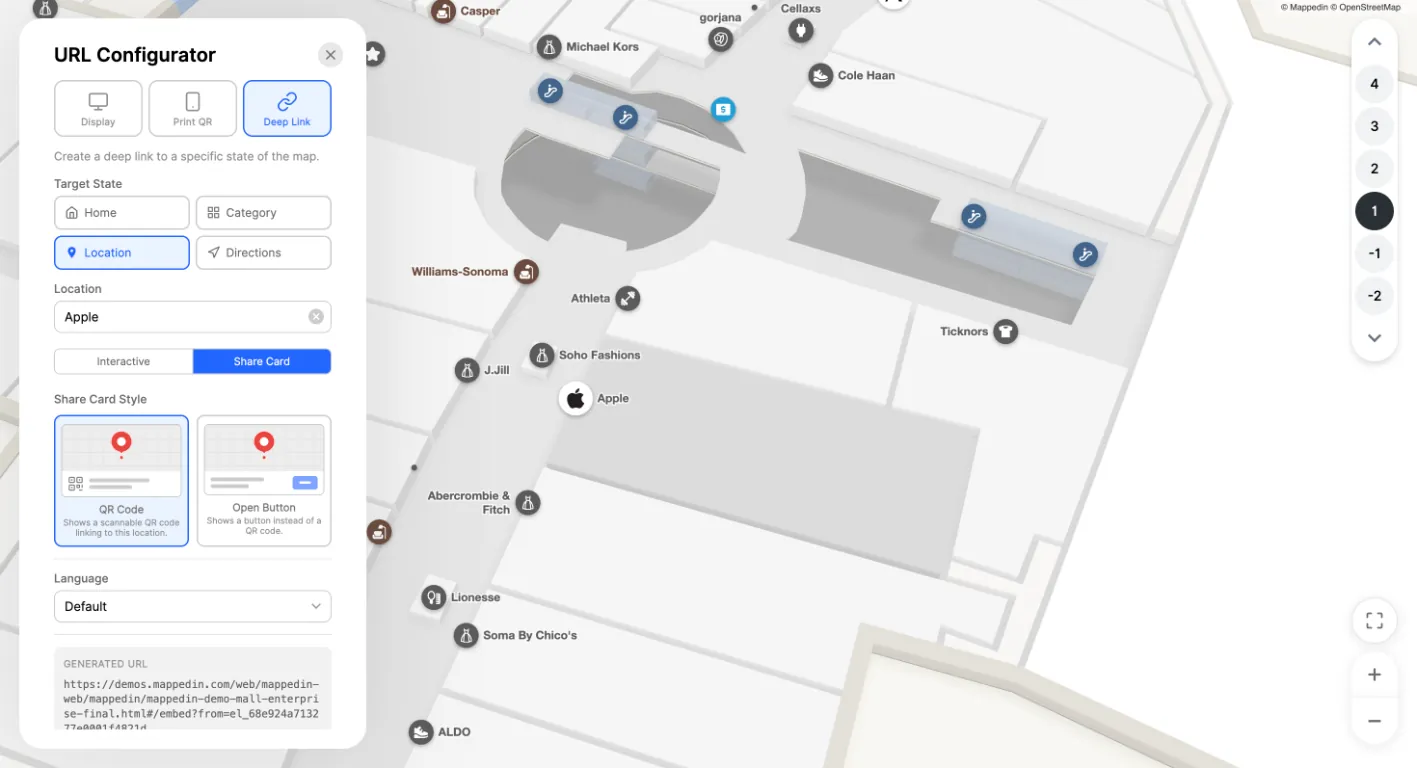
Developer portal
Getting started guides for Web, iOS, Android and React Native, API docs, GitHub repos, the Showcase and Playground, and Mappedin experts in the community forums.
The Mappedin SDK supports TypeScript/JavaScript, React, React Native, iOS and Android, all built on the same underlying map data and API.
Maps are delivered in Mappedin Venue Format (MVF), a GeoJSON-based format containing your building’s geometry and location data. All customer data is exportable in open formats such as GeoJSON and IMDF.
No. Demo keys and indoor maps are available so you can build and test before mapping your own venue. Browse the Showcase for real examples, or try the Playground and its live, editable code samples, each of which opens directly in CodeSandbox.
No. Mappedin Web is a standalone product built on the same SDK, but the SDK itself is for building your own map experience, not modifying Mappedin Web.
No. The SDK is a consumer of indoor position data, not a provider. Feed it a position from your positioning system and it renders the blue dot and generates directions from it.
Yes. Registered Mappedin partners can retrieve their map IDs via webhooks or a partner API key.
Go from idea to map quickly with a full set of frameworks and tools made by developers, for developers.