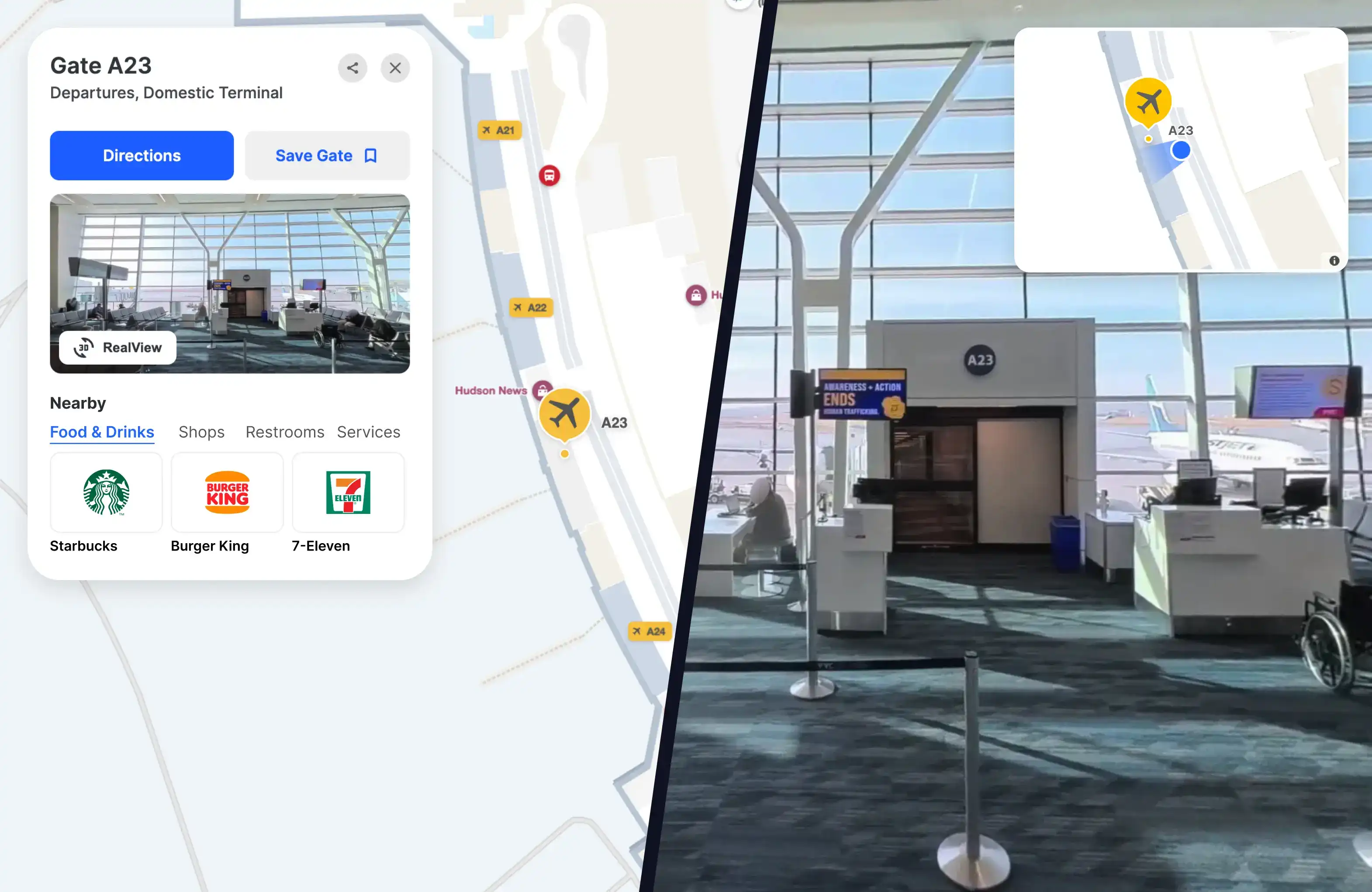







RealView Indoors

See it before you're there.

Explore any indoor space in 360-degrees. Scout your route, spot landmarks, and walk the space virtually, so your first real visit feels like a return.

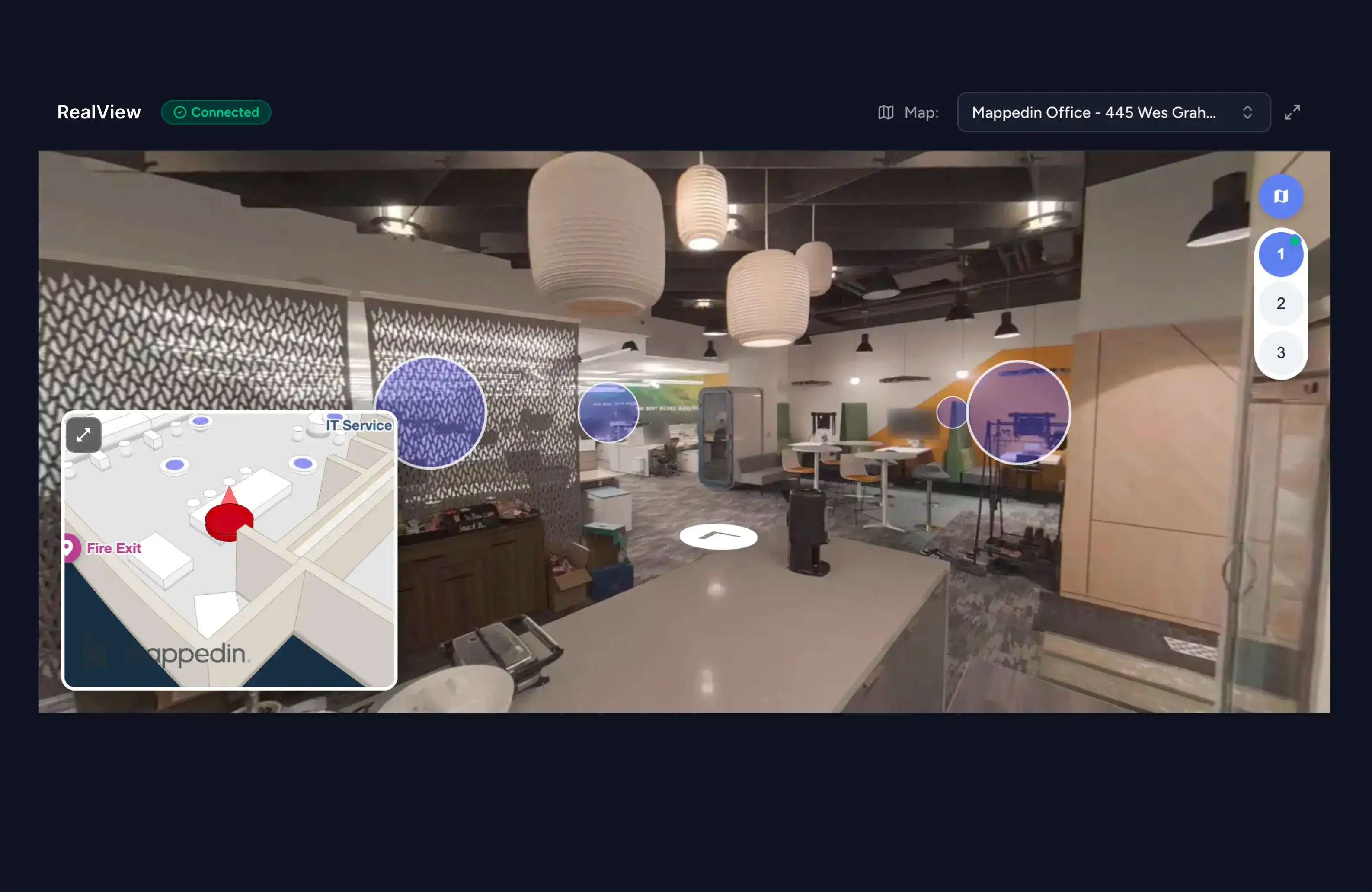
Mappedin RealView 360-degree indoor preview
Simon Logo
Frasers Property Logo
Cadillac Fairview Logo
Central Pattana Logo
Via Outlets Logo
Brookfield Logo
Klépierre Logo
Oxford Properties Logo
Taubman Logo
Vicinity Centres Logo
Macerich Logo
Calgary International Airport Logo
Simon Logo
Frasers Property Logo
Cadillac Fairview Logo
Central Pattana Logo
Via Outlets Logo
Brookfield Logo
Klépierre Logo
Oxford Properties Logo
Taubman Logo
Vicinity Centres Logo
Macerich Logo
Calgary International Airport Logo
Simon Logo
Frasers Property Logo
Cadillac Fairview Logo
Central Pattana Logo
Via Outlets Logo
Brookfield Logo
Klépierre Logo
Oxford Properties Logo
Taubman Logo
Vicinity Centres Logo
Macerich Logo
Calgary International Airport Logo
Simon Logo
Frasers Property Logo
Cadillac Fairview Logo
Central Pattana Logo
Via Outlets Logo
Brookfield Logo
Klépierre Logo
Oxford Properties Logo
Taubman Logo
Vicinity Centres Logo
Macerich Logo
Calgary International Airport Logo

Where virtual meets reality.

RealView unlocks a new way to experience and manage the indoors, from helping people find their way, to virtual property tours, to remote facilities management, all from a single 360-degree scan and indoor map.

Find a space

Know exactly where you're headed. Pair descriptions, operating hours, and rich location information with a 360-degree preview of the space. It's everything a customer needs to navigate the indoors with efficiency and confidence.

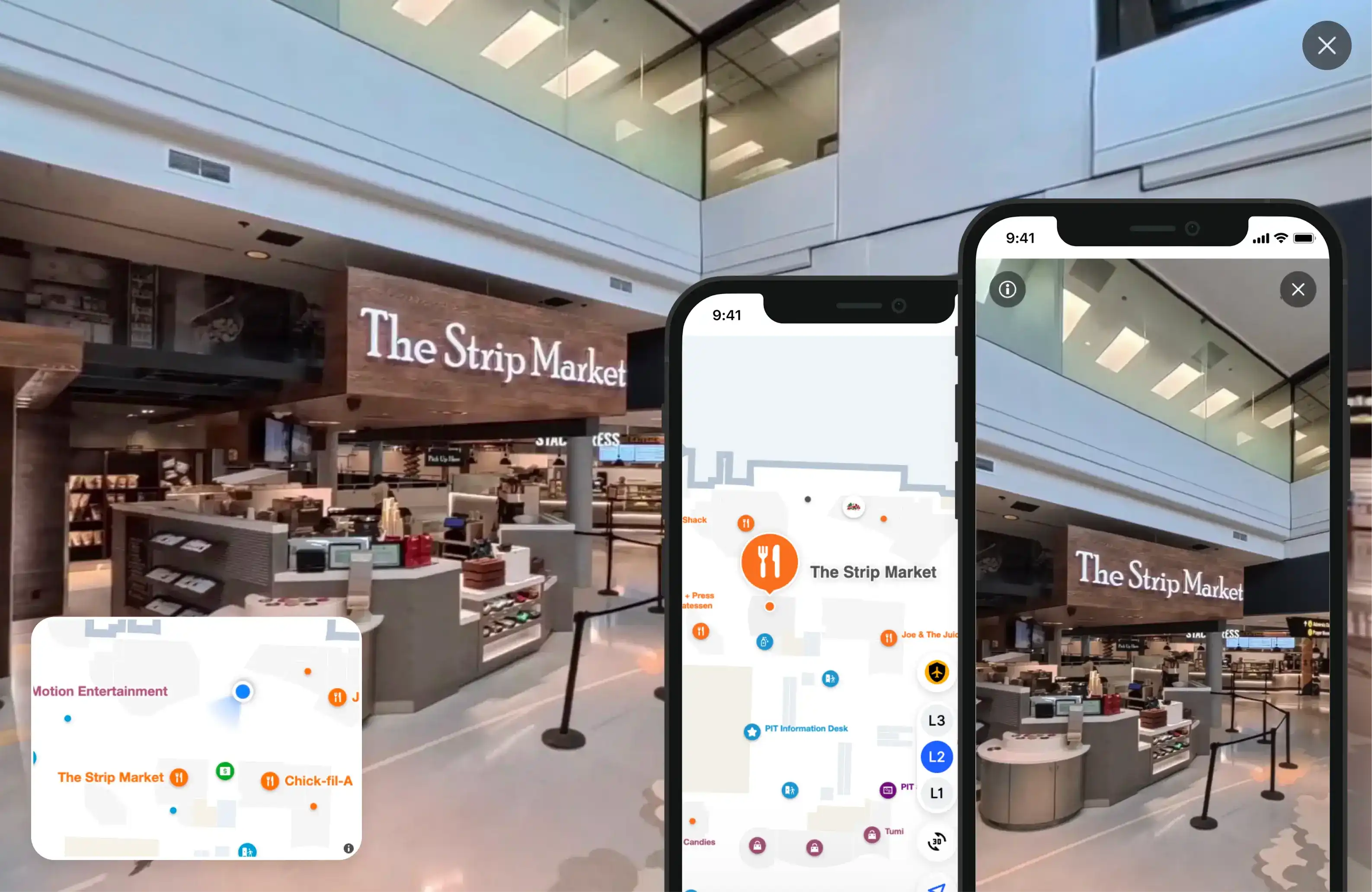
Mappedin wayfinding map with a 360-degree location preview

Manage a space

Give facilities teams an immersive, 360-degree visual record of every corner of your space, from electrical panels to hard-to-access infrastructure. Document conditions and diagnose issues remotely, without needing boots on the ground.

Mappedin RealView 360-degree indoor scan in the RealView app

Everything you need to bring your indoor maps to life.

RealView gives you powerful indoor imagery and precise views of the indoors without the expensive camera equipment or lengthy setup.

  • Go beyond static imagery

    Just click to explore. Preview any location instantly with a 360-degree thumbnail on the location profile card - immersive, ground-level imagery without ever leaving the map.

  • Navigate with confidence

    Never lose your way. Tap Split View to see your map and 360-degree imagery side-by-side, or tap 3D to preview where RealView perspectives are available along your path.

  • Simple to launch, easy to scale

    No specialized equipment required. Capture RealView with an affordable consumer-grade camera, and add new areas anytime, keeping your map accurate as your space evolves.

Quote Vector Art

Our partnership with Mappedin has always been about removing uncertainty for passengers. RealView takes that to a new level. When travellers can see the terminal as it truly looks, they arrive prepared, confident, and ready to enjoy everything YYC has to offer.


Headshot of Bart Smith

Bart Smith

General Manager, Corporate Services & IT Business Partner

Calgary Airport Authority

Frequently asked questions

  • What is Mappedin RealView?

    Mappedin RealView brings immersive, 360-degree panoramic imagery to indoor locations. Think Google Street View or Apple Look Around, but exclusively for the indoors. It gives people a photorealistic, ground-level view of your environment, helping them orient themselves and navigate with confidence before they even arrive.

  • Where does RealView appear on an indoor map?

    RealView appears as a thumbnail in the Location Profile, which is accessed by selecting a specific location on the indoor map. Each profile displays a preview of the 360-degree imagery alongside key location details such as descriptions, operating hours, and related links.

  • How do you capture 3D scans of an indoor environment?

    A scan of your environment can be captured using a consumer-grade 360-degree camera, making the scanning process straightforward and accessible for any indoor environment. The Mappedin team can also come onsite to handle the entire scanning process.

  • How is RealView different from traditional virtual tour software?

    Traditional 3D scanning and virtual tour software is engineered for dimensional precision, supporting engineering, construction, and planning. Mappedin RealView is purpose-built for wayfinding, capturing rich, immersive 360-degree imagery to support intuitive navigation.

  • What can a single 3D scan enable in Mappedin?

    A single 3D scan unlocks a range of powerful capabilities, enhancing wayfinding, enabling visual positioning, assisting leasing teams, and supporting operational workflows.

  • How do you ensure privacy and data protection?

    Only anonymized data ever reaches our servers. Mappedin automatically detects and blurs all faces and spatial data is transmitted and stored using industry-standard encryption.

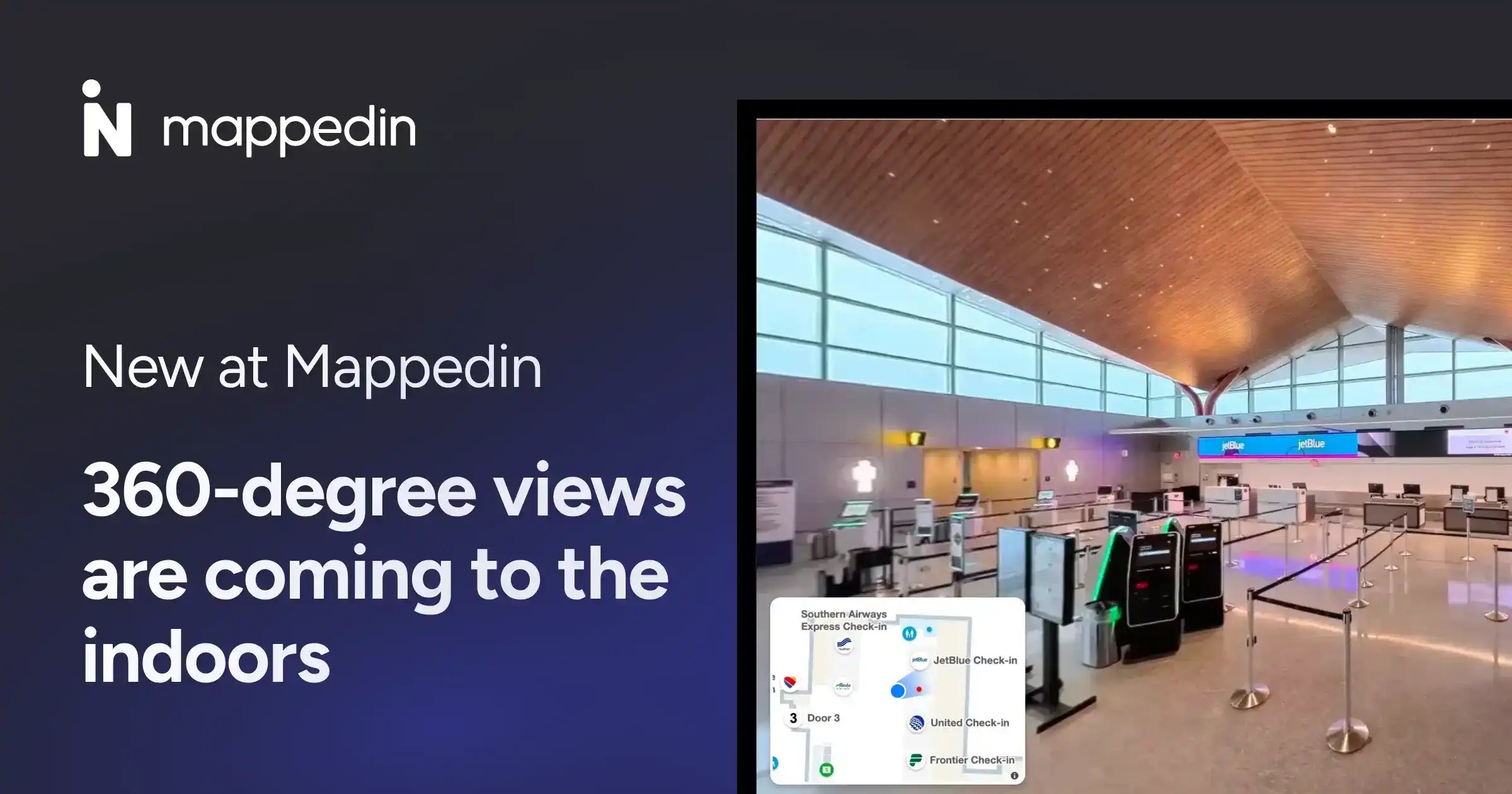
Step inside before you ever arrive.

See how Mappedin RealView is bringing 360-degree views and virtual tours to your indoor maps.

You might also like

Retail store interior

How to increase foot traffic in a retail store

Airport window seat view

A view from my window seat: Watching the future of airport navigation unfold

Digital wayfinding kiosk

What is digital wayfinding and how it drives revenue

Traveller navigating an airport terminal

How to navigate an airport