Understand the space at a glance
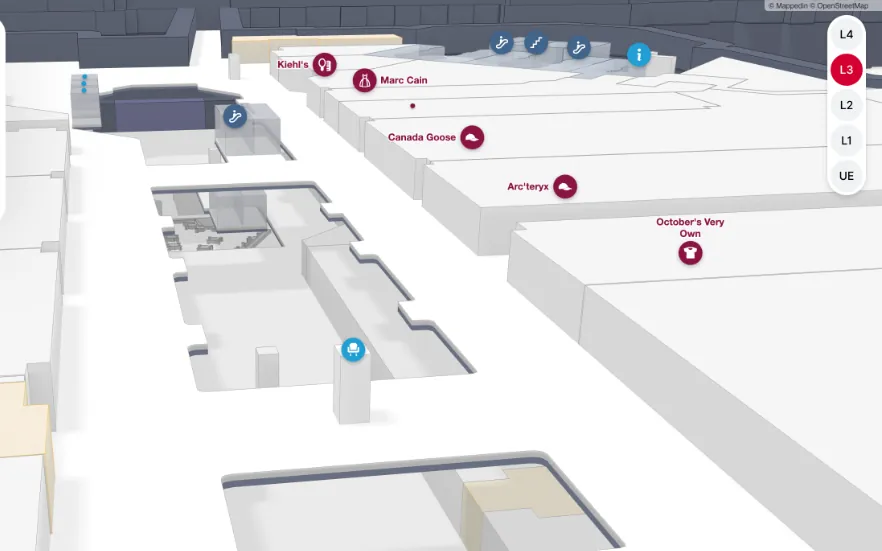
Real depth, with floors and voids, matches how people already picture where they are.
Mappedin creates true multi-dimensional indoor maps, beautifully designed and built to run right in the browser.
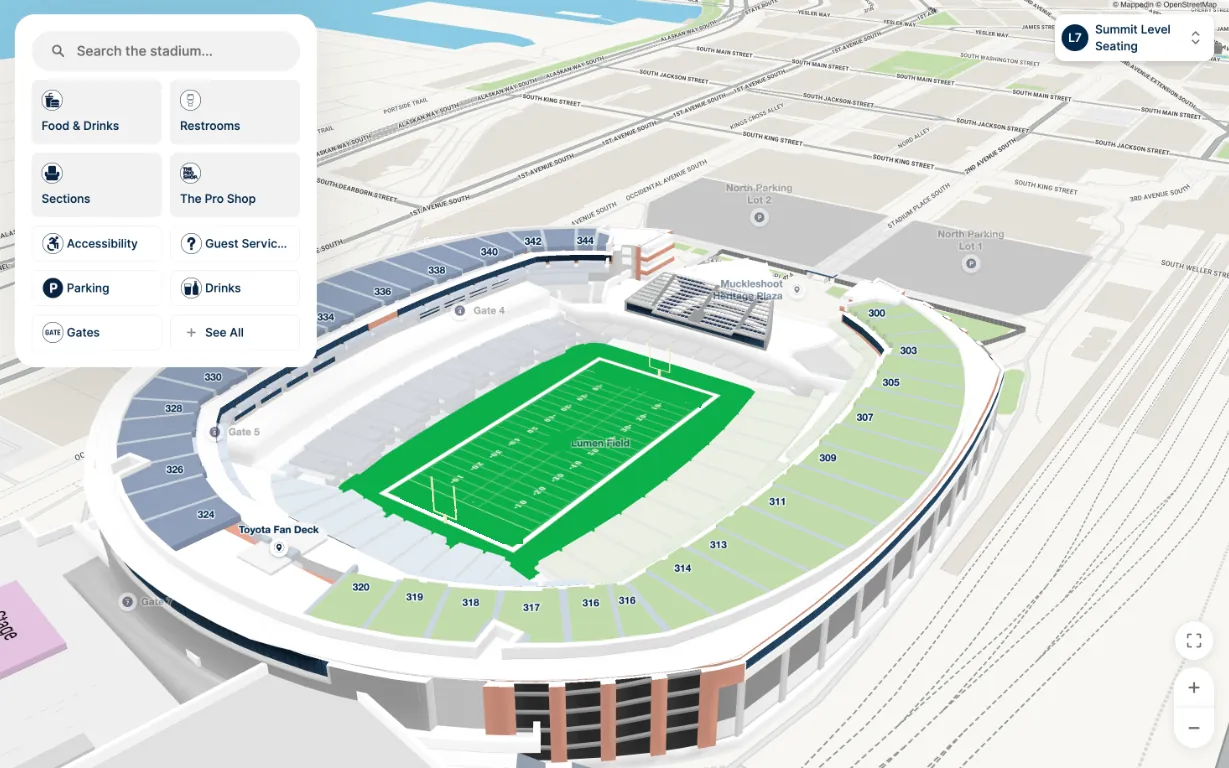
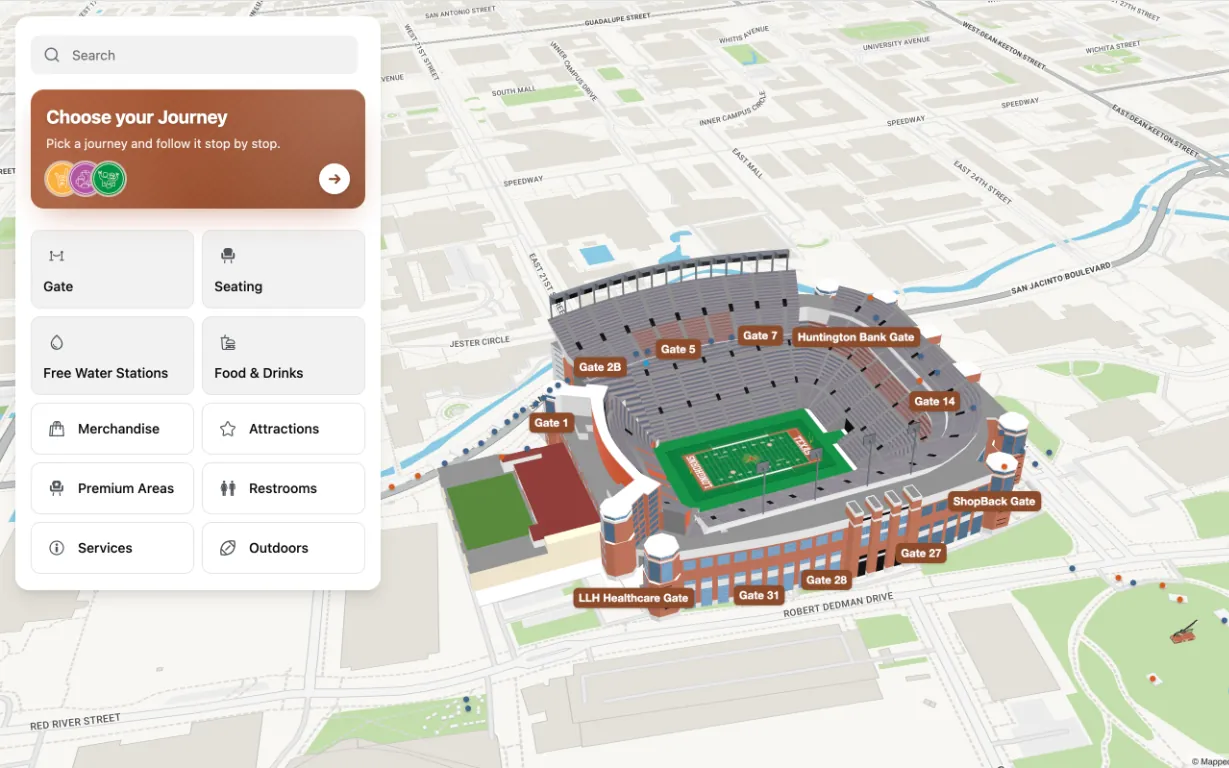
Most 3D indoor maps borrow from gaming engines and BIM viewers. Mappedin renders true 3D indoor maps light enough for a browser.
Real depth, with floors and voids, matches how people already picture where they are.
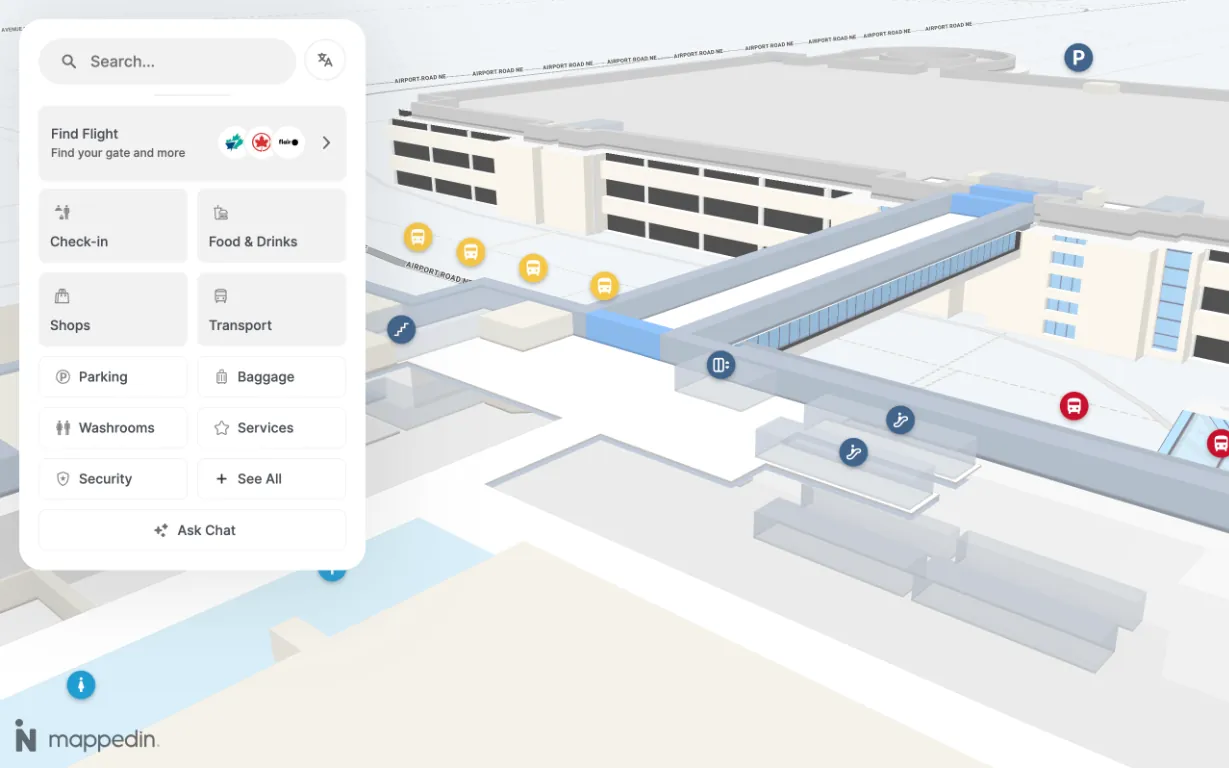
When a path visibly passes under an atrium or up a tower, visitors see where it goes, with less hesitation and backtracking.
A 3D map doesn’t just inform, it impresses, turning wayfinding into a strong first impression.
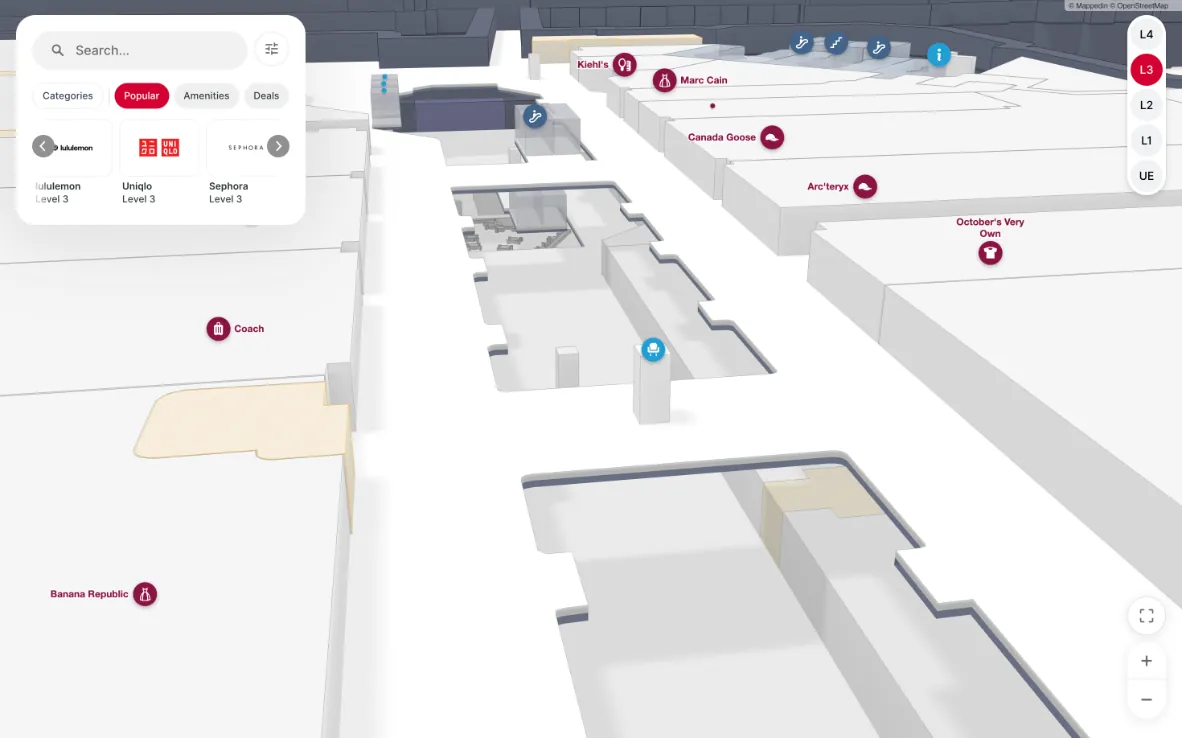
Mappedin is built to run in a web browser, with performance tuned for mobile phones and tablets, not just desktop hardware.
Both 2D and 3D indoor maps render from the same map data, so you can lead with 3D or default to 2D without maintaining two separate maps.
Stacked Maps render real void geometry, like atriums and stairwells, so open-to-below spaces show up as open, not flattened into a solid floor.
Yes. The Mappedin routing engine treats connected buildings, like towers, tunnels and skybridges, as one space, so a route renders and navigates as a single path.
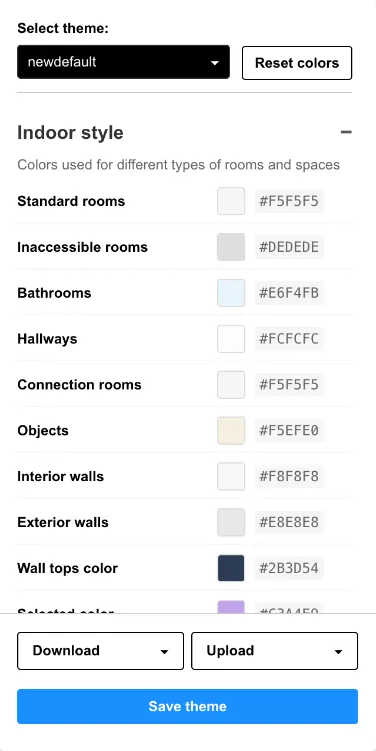
No. Mappedin handles styling separately from the renderer, so a rebrand that changes colors, themes and branding doesn’t require touching the underlying map.
See how Mappedin creates real 2D and 3D indoor maps that are lightweight enough to run right in the browser.