

Most hospital wayfinding apps fail before they launch, and not because the maps are bad. They fail because teams scope a standalone app, build it, and then discover the hard truth: patients won't install a download for a place they visit once a year. Most visitors hit at least one navigation problem per visit at large, complex venues, hospitals and healthcare campuses are about as complex as venues get.
The question that actually determines whether your hospital wayfinding solution succeeds isn't what features your app should have, but how a patient will access it the moment they need it. That's the build-versus-embed decision, and it's the one worth getting right first.
The purpose of a hospital wayfinding app
Before talking about architecture, get clear on the job. A wayfinding app in a hospital has to route a person from the parking garage to a specific clinic across multiple buildings and floors accurately, every time. Gates and entrances don't move in a hospital, but departments do. A map that was right at launch is wrong six months later if nobody can update it.
The map itself is the easy part. The hard parts are keeping it accurate and getting it into a patient's hands at the right moment. A beautiful map nobody can find, or an out-of-date map, fails the patient just as completely as no map at all.
A hospital wayfinding app needs to handle:
- Multi-building and multi-floor routing that accounts for skybridges, towers, and connected facilities
- Step-free and elevator-only paths
- Search by department, clinic, physician suite, or amenity
- A way to update the map in minutes
- A delivery method that reaches patients before and during the visit


Unlock better patient experience with interactive wayfinding
For most patients, the care experience doesn't begin in the exam room. It begins in the parking garage, at a lobby directory, or on a phone screen. This guide gives Patient Experience leaders a practical framework for turning wayfinding from a persistent pain point into a coordinated, measurable program.
How to decide whether to build a standalone wayfinding app or embed maps into an existing app
This is the core decision that guides your next steps. There are two honest paths, and each carries benefits and drawbacks.
Standalone app
This option gives you full control. You own the experience end to end, you can build hospital-specific features around the map, and you're not dependent on another team's release cycle.
On the other hand, you need an app store presence on iOS and Android, ongoing native maintenance for two platforms, and earn a download from patients and visitors. Patients visiting a specialist once or twice a year likely won't install a hospital app for a single visit.
Embedded map into existing app
Embedding a wayfinding map into an app or portal patients already use takes a different approach.
Using an SDK or a web view, the map lives inside the patient portal, the existing health-system app, or a mobile web page a patient can open from a link. There's no download, lower friction, and you can update maps without shipping a new app version.
The tradeoff is that you're working within an existing app's design and constraints, and you'll coordinate with whoever owns that product.
Making the call
A standalone app makes sense when your primary users are staff or frequent repeat visitors like internal teams, weekly-visit patients, and security and facilities staff who'll use the same tool daily and have a reason to install it. For those audiences, the install cost is paid back quickly.
For most patient-facing scenarios, embedding is the best solution. The patient already has your portal for appointments, results, and messaging. Putting the map where they already are beats asking them to find and download something new. The best wayfinding app is often the one the patient never realizes is a separate app at all.
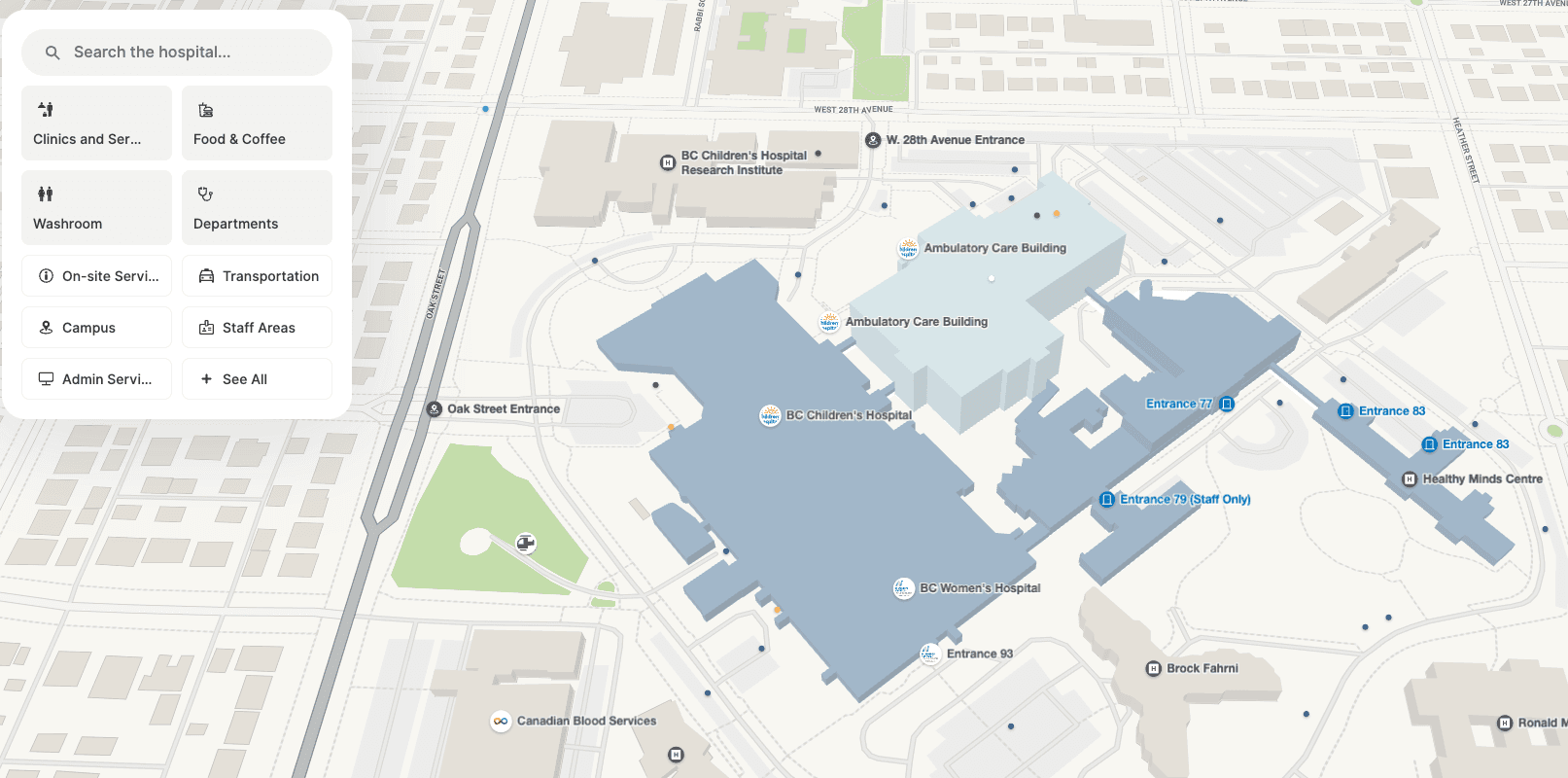
Sourcing and maintaining your map data
Accurate indoor map data usually starts with what you already have: CAD files, architectural floor plans, or facility surveys.
From there, AI-assisted map creation can turn those plans into interactive, routable maps far faster than manual drafting. The goal is a single source of truth: one dataset that every surface pulls from, so the kiosk, the portal map, and the QR-linked mobile view all show the same thing.
The maintenance model is what separates a wayfinding app that lasts from one that quietly goes stale. Hospitals reconfigure constantly:
- Clinics consolidate
- Departments relocate
- Wings close for renovation
The moment a map is inaccurate, it's useless and it sends a stressed patient confidently...in the wrong direction.
A content management system that lets your own team update a location in minutes, without a vendor ticket or a code change, is the difference between a map that stays true and one that erodes. If you're evaluating platforms, real-time updates managed in-house should be near the top of your checklist.


Why hospital wayfinding apps need to offer accessible routing
Accessibility matters more in healthcare than in almost any other venue, because the people navigating your campus are disproportionately the people who struggle to navigate.
Patients with mobility limitations, visual impairments, language barriers, or simply the anxiety of a difficult diagnosis all need routing that adapts to them.
That often translates to capabilities like:
- Step-free and elevator-only paths for wheelchair users and anyone who can't take stairs
- Screen reader support and WCAG compliance so the map works for low-vision patients
- Multi-language support for international or non-English speaking visitors and patients
Where the map plugs in
Once the map exists, distribution determines whether anyone uses it. The strongest channels in healthcare meet patients where they already are.
- Embed the map into your patient portal or existing health system app via an SDK or web view, so it's one tap from the appointment they're already looking at.
- Put a QR code on the appointment confirmation email and text reminder, linking straight to a route from the parking garage to that specific clinic.
- Place QR codes on physical signage at entrances, elevators, and decision points, so a lost visitor can self-serve instead of flagging down staff.
- Offer kiosks in lobbies for patients who arrive without a phone or prefer a screen.
The appointment confirmation is the highest-value real estate you have. The patient opens it the night before, anxious about being on time.
A link that says "get directions to your appointment" converts far better than any listing ever will.

How to build a hospital wayfinding system with Mappedin
Build your own — or deploy out of the box
Mappedin supports both paths, which is why the "build vs. embed" decision doesn't have to lock you in.
Hospitals can build their own experience on the Mappedin SDK, or deploy an enterprise-ready solution with Mappedin for Hospitals, and the same underlying map can serve more than wayfinding, extending into operations, security, and asset tracking as your needs grow.
Embedding without disrupting your existing apps
For embedding, the SDK and web view drop maps into an existing patient app or portal without a separate download. The Map CMS gives your team self-service, real-time updates from a single source of truth, so a relocated clinic is corrected in minutes.
With smart, friendly wayfinding powered by our AI avatars, we’re helping people feel more confident and cared for the moment they walk through the doors.”
— Chuck Rinker, CEO of PRSONAS
What's built in
- AI-assisted map creation shortens the path from floor plans to a working map.
- Infrastructure-free indoor positioning removes the need for beacons in every hallway.
- Accessibility routing includes WCAG 2.1 AA compliance, step-free paths, and support for 40+ languages
- Detailed patient wayfinding analytics to show navigation bottlenecks and search behavior
Proven at scale
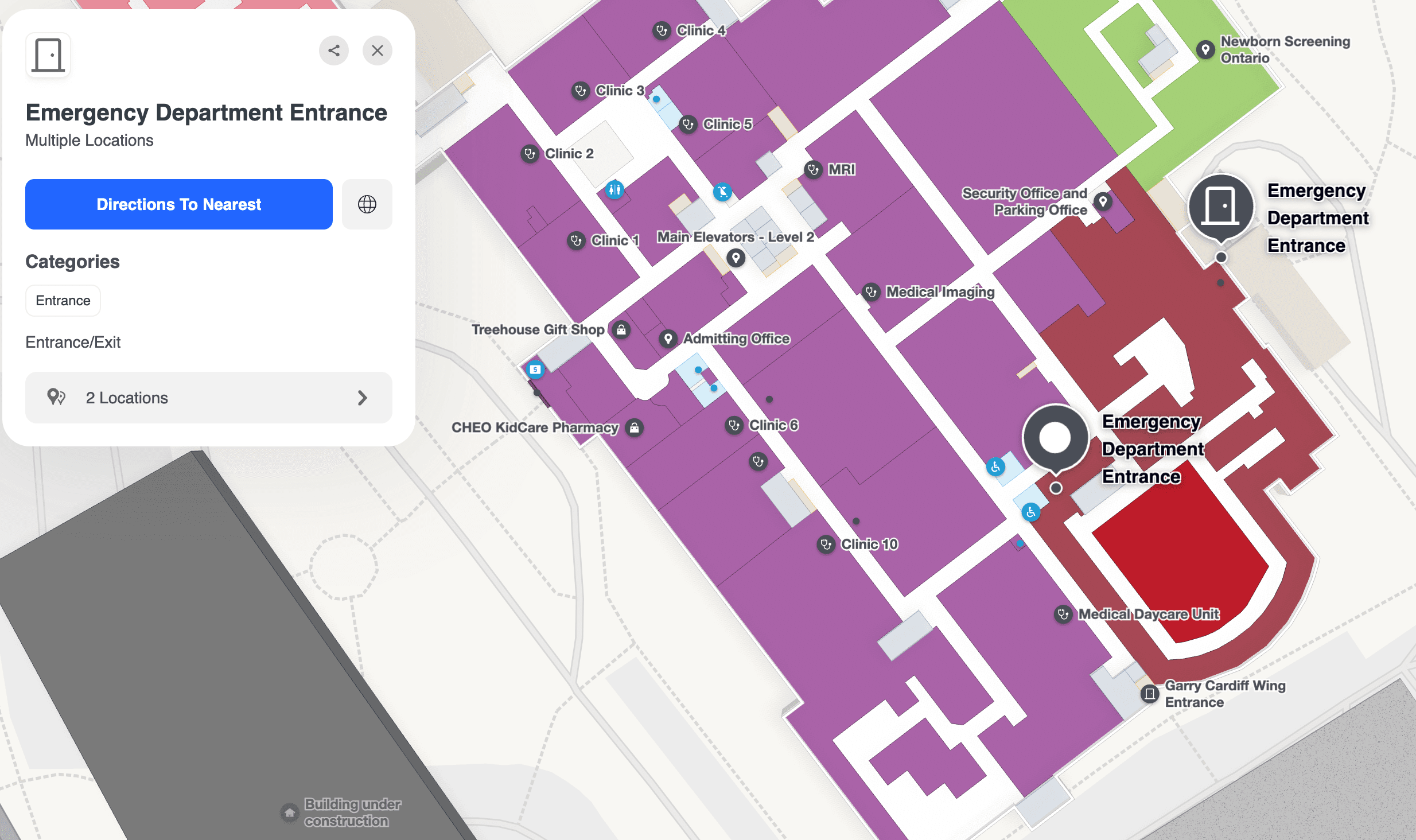
Mappedin is trusted by world-class healthcare organizations like Banner Health, NHS, and Children’s Hospital of Eastern Ontario (CHEO), mapping billions of square feet of indoor space and guiding millions of visitors per year.
Making the right call for your health system
The decision comes down to one question: how will a patient open the map the moment they're lost?
For staff and frequent visitors, a standalone app might be the smarter path. For everyone else, embedding maps into the app and emails patients already use beats a download nobody makes. Decide that first, then build around it. The fastest way to see both models in action on a campus like yours is to walk through them with someone who's built them before.


Share